BigCommerce integration
3D product configurator for BigCommerce
Stop forcing custom products into BigCommerce variants. Customers build the product in real-time 3D, see the price update, and check out with every spec on the order. We build it, host it and support it.
Custom-built around your product. Hosting and monthly support included.
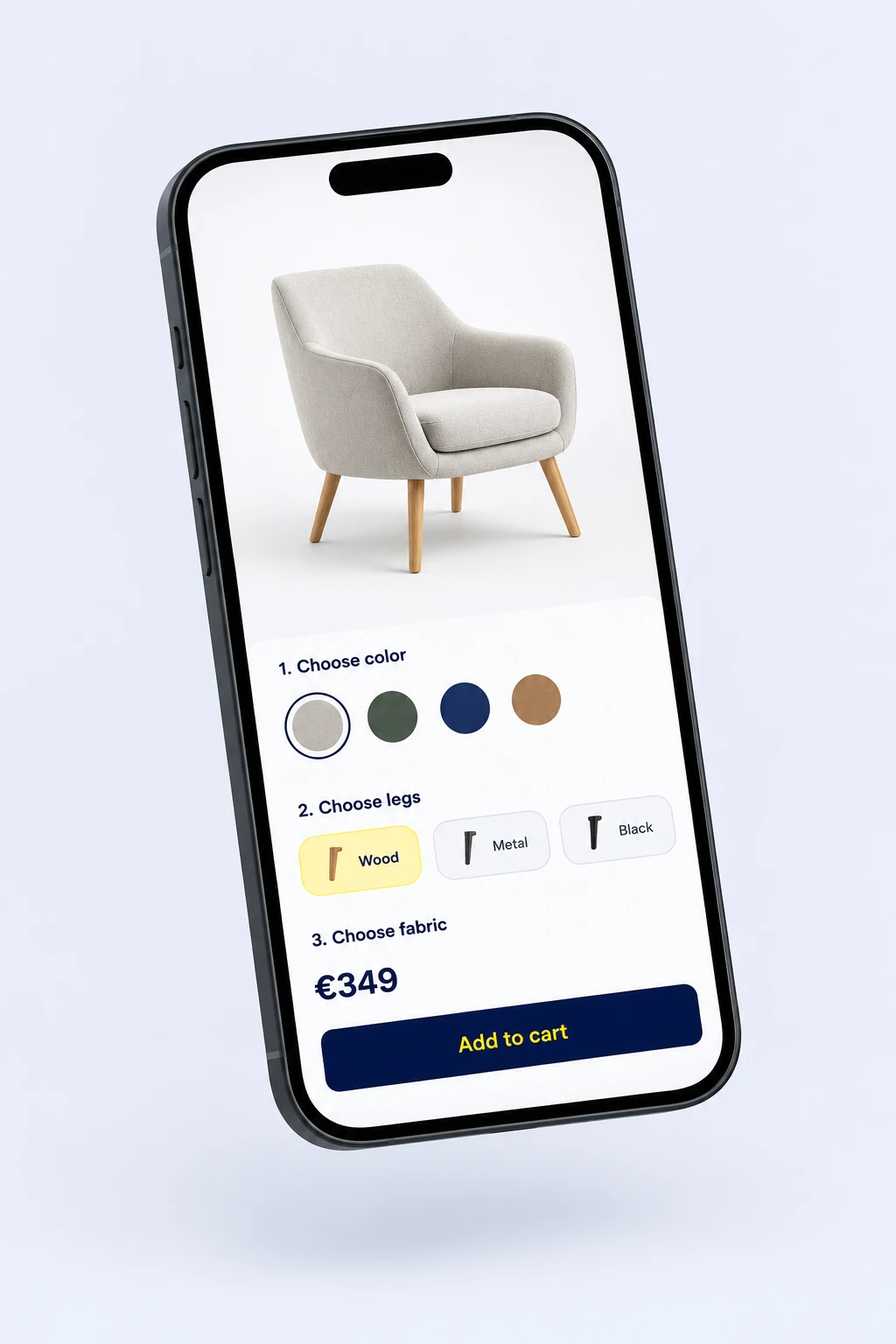
Quick answer: BigCommerce has no native 3D product configurator, and products are capped at 600 variants. App Marketplace tools add 2D personalization or 3D viewers. For real-time 3D with rules, dimension-based pricing and structured order data, a custom configurator connected through the BigCommerce Cart and Catalog APIs is the better fit.
How it connects to your BigCommerce store
-
1. Product page
The configurator loads at a defined spot in your Stencil theme or headless storefront. No theme rebuild.
-
2. Configure in 3D
Options, rules and price update in real time as the customer builds the product.
-
3. Cart and order
Through the Cart API, the product goes to the cart with its option selections and price, and the order arrives with structured specs.
Where BigCommerce variants break down
The 600-variant cap
BigCommerce allows 600 variants per product. Configurable furniture, signage or equipment passes that fast, so stores fall back to contact forms.
Generic apps, heavy scripts
Marketplace apps were not built for your product, can add scripts across the store, and need your catalog rebuilt inside them.
Photo backlog
Each new material or color multiplies the shots you need. One 3D model renders every combination.
What you get
Built for your product
3D models, options and business rules designed around what you sell, with no cap on combinations.
Connected to BigCommerce
Linked to your catalog, cart, checkout and orders through the BigCommerce APIs. Your fulfillment team reads clean specs, not free text.
Hosted and supported
Hosting, updates and monthly support are part of one custom quote. No percentage fee on sales.
Get your instant BigCommerce quote
Answer 8 quick questions and see your price range right away. Takes about 60 seconds.
- 1Tell us about your product
- 2Leave your email
- 3See your price range instantly
No call needed. Custom-built, hosting and monthly support included.
BigCommerce 3D configurator guide
BigCommerce is a solid storefront for growing brands, with strong APIs and an open checkout. Its product model, though, was built for fixed variants. Custom furniture, signage, equipment or made-to-order goods quickly outgrow it.
What BigCommerce offers natively
BigCommerce gives you two kinds of product options:
- Variant options: size, color, material. Each combination becomes a variant with its own SKU, stock and price, up to 600 per product.
- Modifier options: text fields, checkboxes, dropdowns and file uploads that can adjust the price but do not create variants.
This works for a few choices. It breaks down when:
- Combinations pass 600, or managing hundreds of variants by hand becomes a job in itself
- Options depend on each other (this top only in these lengths)
- Price depends on dimensions or combinations, not fixed upcharges
- Customers need to see the result before buying
BigCommerce configurator apps
The BigCommerce App Marketplace has a small set of product customizer and configurator apps. Most are SaaS tools that also serve Shopify and WooCommerce. Zakeke, for example, lists BigCommerce among its integrations and focuses on 2D personalization with a 3D viewer. See our Zakeke review for its strengths and limits.
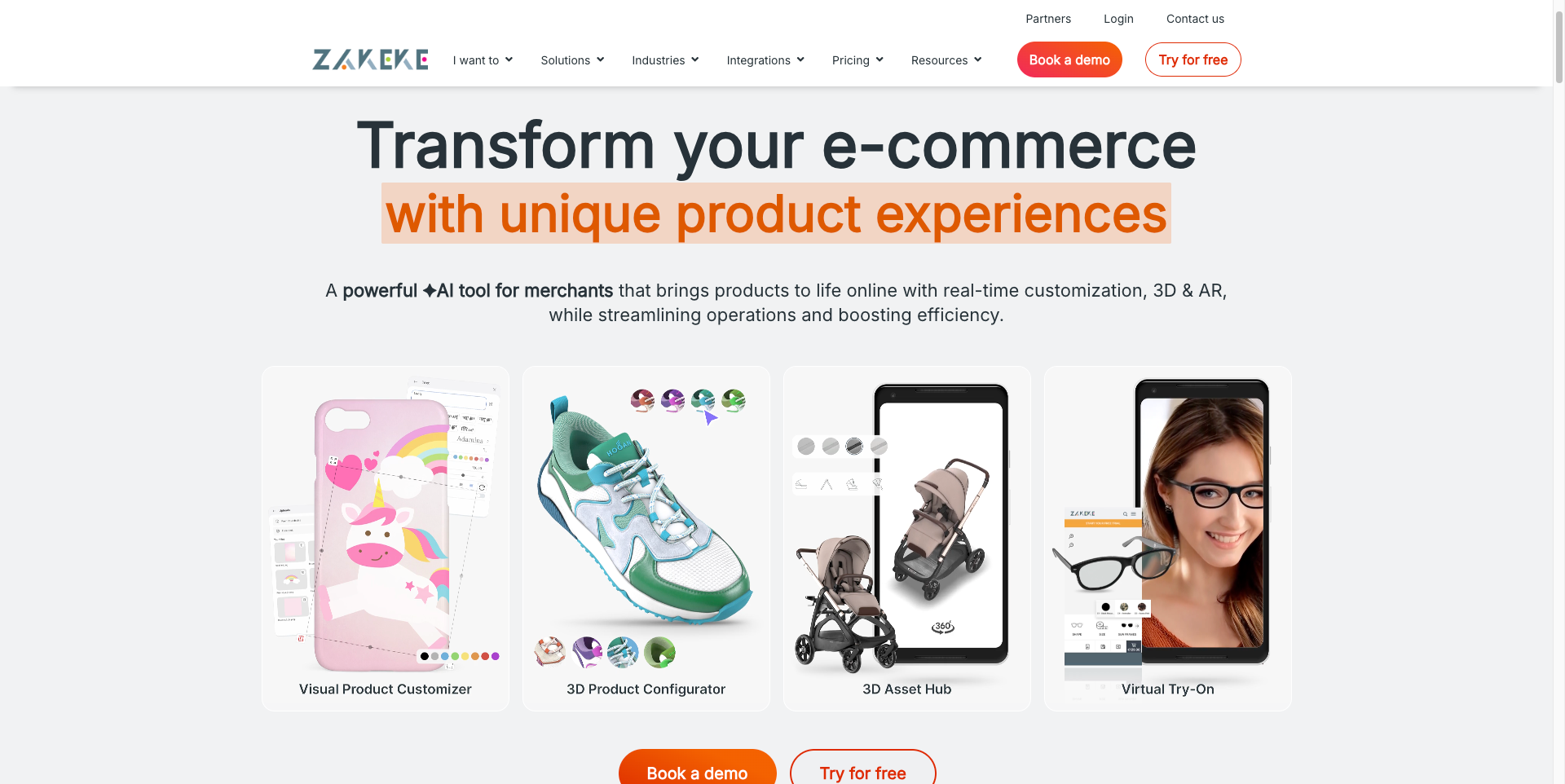
These apps fit simple personalization. The trade-offs:
- Template-based: you adapt your product to their editor, not the other way around
- Catalog duplication: you rebuild products and options inside their system
- Script weight: some apps add scripts across the storefront, not only on configurable products
- Pricing changes: your configurator depends on the app’s plans and roadmap
How a custom configurator connects to BigCommerce
ConfiguraThor is built around your product, then connected to BigCommerce through its APIs:
- The configurator loads at a defined embed point on the product page in your Stencil theme
- It reads the product, base price and options you already manage in BigCommerce
- The customer builds the product in 3D, with rules and price updating live
- On add to cart, the Cart API adds the product with its option selections and the configured price
- The order arrives in BigCommerce with structured specs your fulfillment team can read directly
No variant cap applies, because the configuration lives in the line item, not in hundreds of pre-built variants. And because the 3D model renders every combination, adding a new material means updating one model, not booking a photo shoot.
Headless BigCommerce
Running a headless storefront, such as Catalyst or your own Next.js frontend? The configurator is a standalone component, so it drops into a custom frontend the same way. It creates carts through the same APIs, so checkout stays on BigCommerce.
B2B and quote requests
Many BigCommerce stores sell to trade and wholesale buyers who need a price for their account or a formal quote before ordering. The configurator can send the finished configuration as a quote request instead of a direct checkout, with the full spec and a link back to the 3D view. On B2B Edition, it can feed the native quote flow. Your sales team gets structured data instead of an email asking what a 2.4 meter oak top costs.
What to prepare before you start
- 3D models of your product in glTF or GLB, or CAD files a 3D artist can convert
- An option map: every material, size and component, which ones exclude each other, and how each changes the price
- Order data: what your team needs on each order to produce it, such as SKUs, measurements and material codes
With those three in hand, the build focuses on the experience instead of chasing information.
When a custom configurator makes sense
A marketplace app is enough if your options are few and a 2D preview explains the product. Go custom if:
- You sell high-consideration products where visual accuracy drives the decision
- You have more combinations than variants can hold
- Customers email you for quotes because the price depends on their choices
- Returns come from customers receiving something they did not expect
Learn how 3D visualization reduces product returns and what a product configurator costs.
Frequently Asked Questions
Can you add a 3D configurator to BigCommerce?
Yes. A custom configurator embeds on your BigCommerce product page and connects through the Cart and Catalog APIs. BigCommerce keeps handling checkout, payments and orders, while the configurator handles the 3D view, rules and live price.
How many variants can a BigCommerce product have?
BigCommerce allows up to 600 variants per product. Modifier options like text fields and checkboxes do not count toward that limit, but they cannot show the product visually. A configurator handles any number of combinations without creating variants.
Does a 3D configurator slow down a BigCommerce store?
Not when it loads only on configurable product pages, after the page renders. A custom configurator is a standalone component, not a script injected across the whole store, so the rest of your pages are unaffected.
What happens to the configurator if I change my BigCommerce theme?
The configurator sits at a defined embed point on the product page, not inside the theme code. A theme change may need minor re-integration, which Eyedex handles as part of monthly support.
How long does it take to launch a BigCommerce 3D configurator?
Typical delivery is 4 to 8 weeks, depending on the number of products, 3D model complexity and integration needs. Book a call for a timeline and quote based on your catalog.
Your product deserves better than a dropdown.
Tell us what you sell. We build, host and support your custom 3D configurator.
Get your instant quote