Shopify integration
3D product configurator for Shopify
Let customers build their product in real-time 3D on your Shopify product page, see the price update, and add the exact configuration to the cart. No quoting spreadsheets, no email chains. We build it, host it and support it.
Custom-built around your product. Hosting and monthly support included.
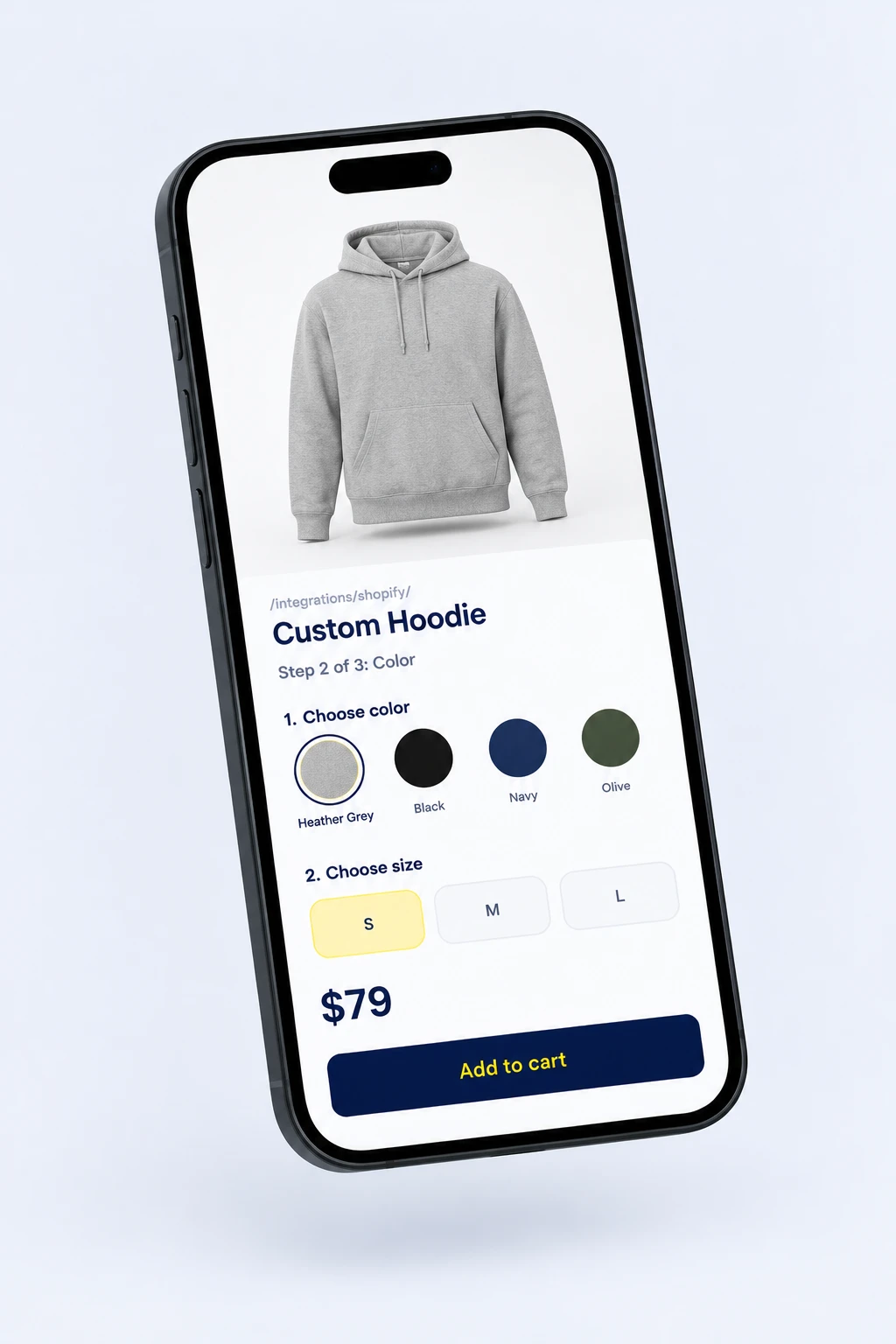
Quick answer: A Shopify 3D configurator lets customers customize a product in real time on the product page and add the exact configuration to the cart. App Store tools like Zakeke and Angle 3D suit simple color and material swaps. For complex rules, dimension-based pricing or a product that needs its own 3D model, a custom configurator connected to the Shopify cart is the better fit.
How it connects to your Shopify store
-
1. Theme block on the product page
The configurator loads as a block in your Online Store 2.0 theme. Same theme, same product URL.
-
2. Configure in 3D
Options, rules and price update in real time as the customer builds the product.
-
3. Cart and order
The configuration is added through the Cart API as line item properties, so every spec shows in checkout and the Shopify order.
Where Shopify variants break down
Three options per product
Shopify products allow 3 options. Material, color, size, finish and parts do not fit, so stores fake it with apps or contact forms.
Quotes by email
Every custom request that needs a quote is a conversation that might not close. Live pricing turns it into a checkout.
Photos cannot cover every combination
You cannot shoot every finish and size. Customers hesitate, email you or return what they did not expect.
Configurators we have built
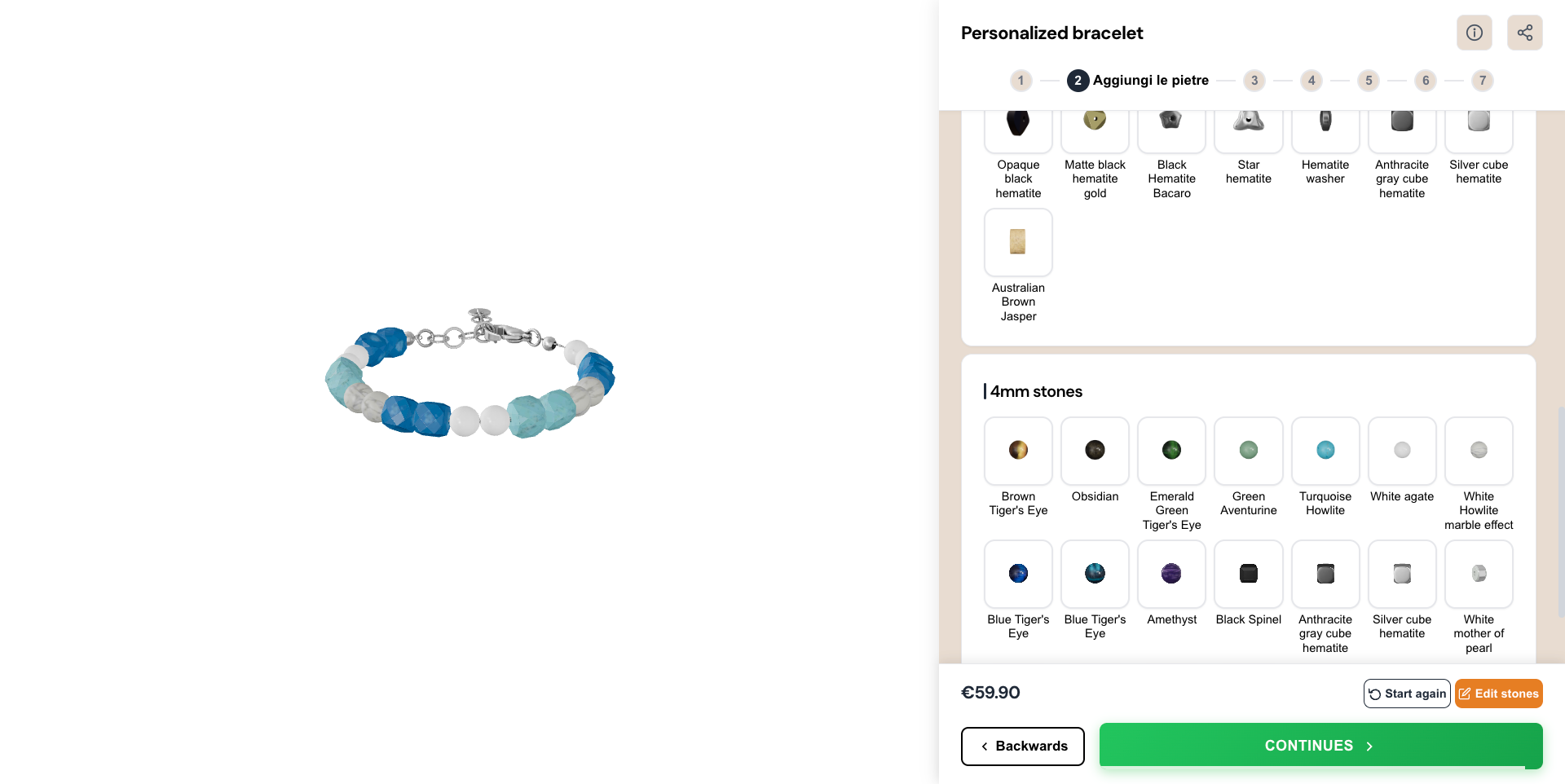 Bracelet Configurator Built for an Italian jewelry store. Customers personalize bracelets with charms, engravings, and materials in real-time 3D.
 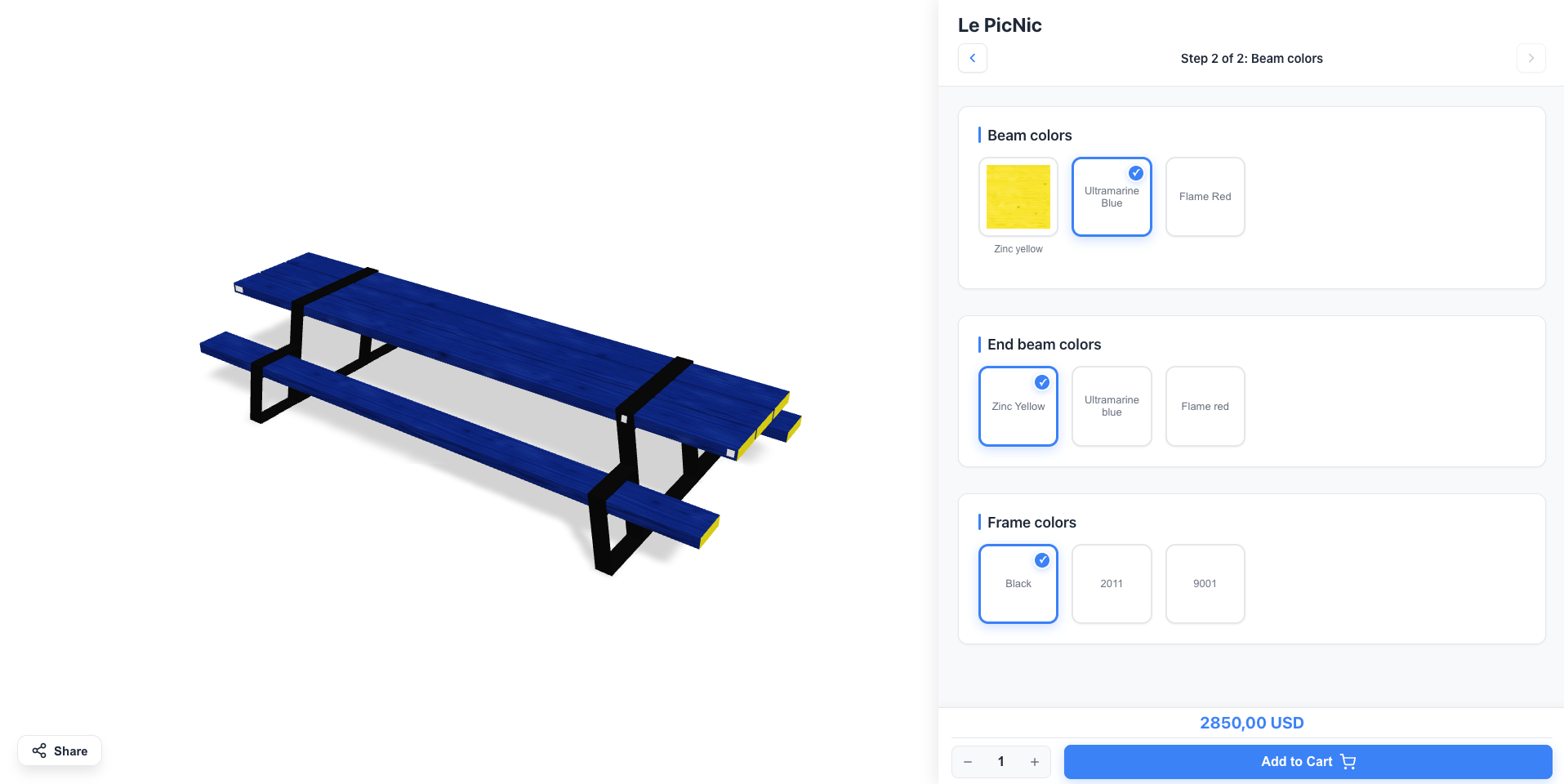 Table Configurator Built for a furniture brand. Customers configure dimensions, materials, and finishes in real-time.
 Shopify 3D configurator apps vs a custom build
Apps are the right call for simple swaps. This is where they stop.
What you get
Built for your product
3D models, options and business rules designed around what you sell, not an app template.
Connected to Shopify
Added to your theme as a block and connected to the cart, checkout and orders. Optional WebAR so customers see the product in their space.
Hosted and supported
Hosting, updates and monthly support are part of one custom quote. No percentage fee on sales.
Get your instant Shopify quote
Answer 8 quick questions and see your price range right away. Takes about 60 seconds.
- 1Tell us about your product
- 2Leave your email
- 3See your price range instantly
No call needed. Custom-built, hosting and monthly support included.
The best Shopify 3D configurator apps compared
Shopify reported that 3D content lifted conversion by up to 40% versus standard images (Shopify, 2023). The hard part is picking the right tool. App Store options range from simple viewers to enterprise platforms, and the wrong pick costs you months.
Customizer or configurator: know which you need
Two concepts get mixed up all the time:
- Product customizer: customers change colors, add text or upload images. Visual changes only.
- Product configurator: customers pick parts, materials, finishes and dimensions. Their choices drive price and production.
If you sell made-to-order furniture, jewelry, apparel or components, you need a configurator. What separates the tools:
- 3D quality on the product page
- How deep the Shopify integration goes: cart, variants, checkout
- Setup effort and whether you need a developer
- Mobile performance
- Pricing at scale, and who fixes it when something breaks
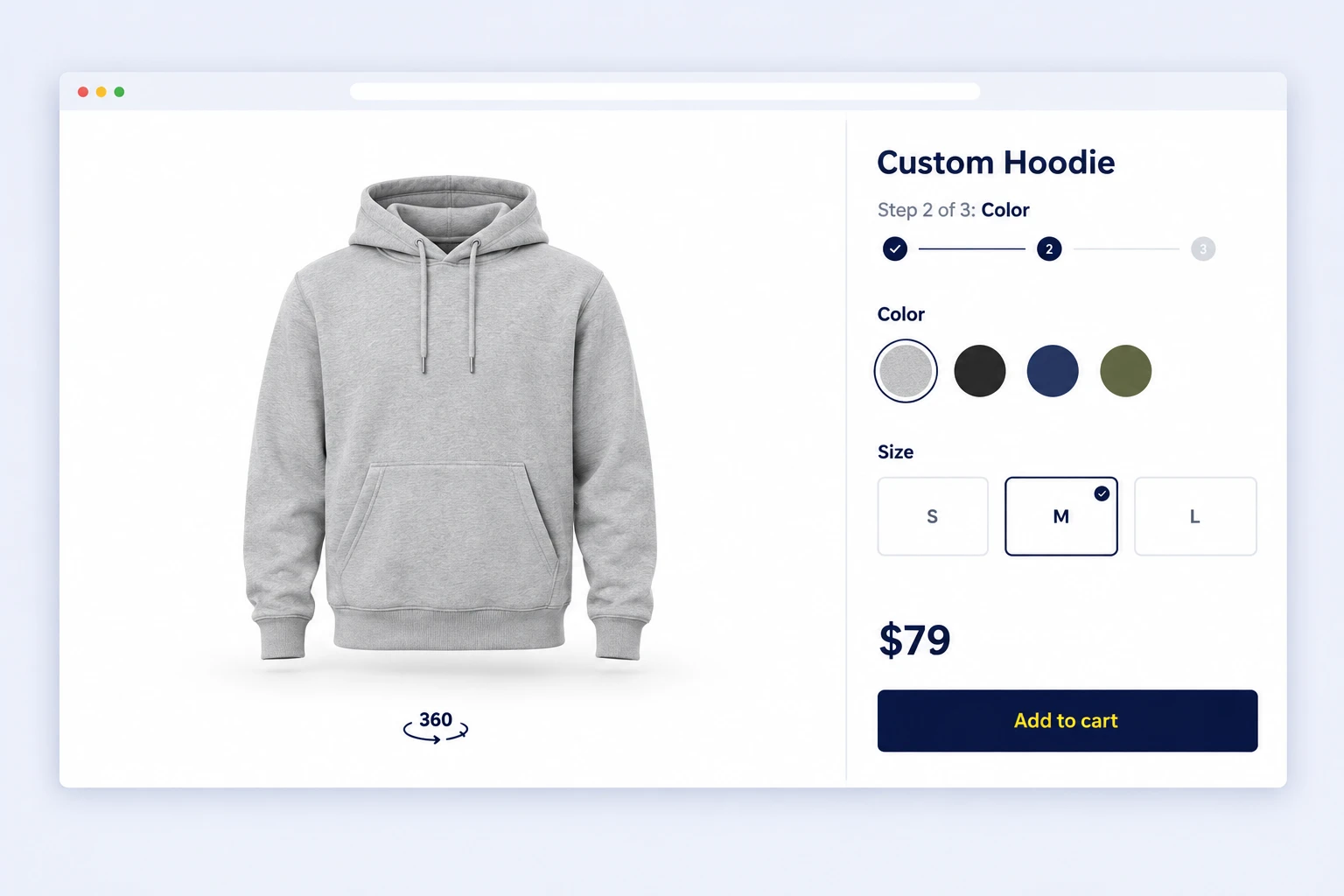
The best Shopify 3D configurator apps
ConfiguraThor: done-for-you custom configurator
Best for: complex or unique products that need their own logic, without building it in-house.
ConfiguraThor is not an app you configure in someone else’s dashboard. Eyedex builds it around your product geometry, options and rules, connects it to Shopify, then hosts and supports it.
- Built around your product, not a template
- Nested options and rules between them
- Hosting, updates and new options included in monthly support
- Priced by custom quote, no percentage fee on sales
Limit: you need 3D models of your product, or a 3D artist to create them.
Zakeke
Best for: stores that want 2D personalization, 3D and AR in one app.
Zakeke covers live 2D customization, a 3D viewer, AR and print file output. It is strong for products customers both configure and personalize, like engraved jewelry or printed apparel. Plans scale with catalog size. Setup takes longer than simpler apps. See ConfiguraThor vs Zakeke for a direct comparison.
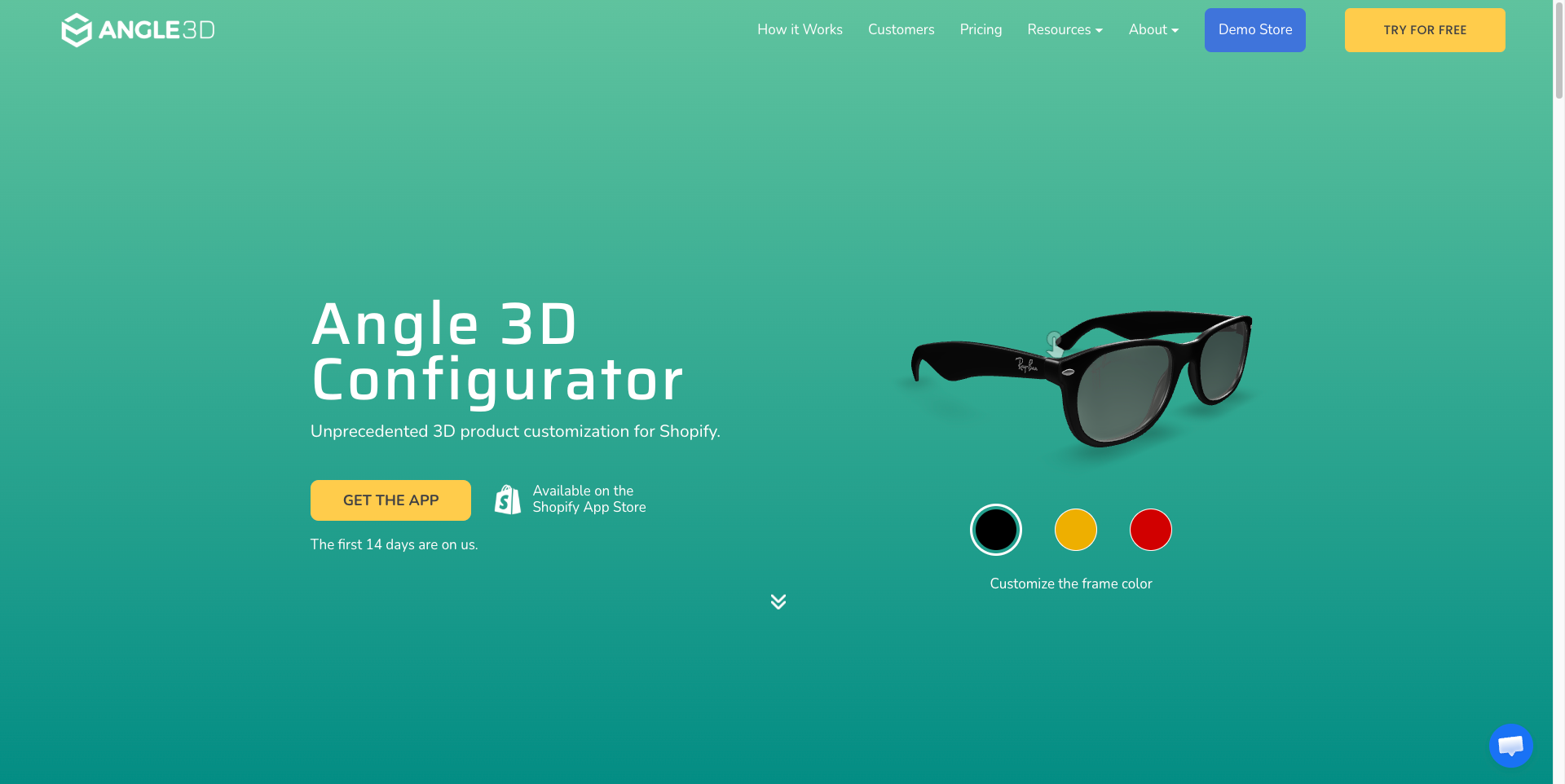
Angle 3D Configurator
Best for: simple 3D color, material and part swaps without a developer.
Angle 3D is built for Shopify and focuses on the common cases with a clean interface. It hits a ceiling with multi-level dependencies between options.
ShapeDiver
Best for: parametric products where geometry changes with customer input, like custom shelving or architectural parts.
ShapeDiver runs Grasshopper and Rhino models in the browser. It is the most technical option here and needs someone who knows Grasshopper.
Mimeeq
Best for: modular furniture where customers combine components.
Mimeeq supports multi-piece assembly, material and finish combinations and AR placement. Pricing is by quote.
Threekit and Expivi
Best for: enterprise catalogs with complex B2B rules.
Threekit adds virtual photography generated from 3D models. Expivi focuses on complex configuration matrices and ERP connections. Both are quote-only and built for teams with dedicated commerce and IT staff.
How the Shopify integration works
A custom configurator does not replace Shopify. It sits on the product page and uses Shopify’s own cart:
- The configurator loads as a theme app block or section on the product page
- When the customer adds to cart, it calls the Cart API with the product, quantity and every option as line item properties
- Price is handled by mapping the configuration to a priced variant, or with Shopify Functions where your plan supports them
- The customer checks out normally, and the full spec appears in the Shopify order for fulfillment
For B2B or very high-value products, the same configuration can create a draft order or quote request instead of a direct checkout. Running a headless storefront on Hydrogen? The configurator works the same way through the Storefront API.
What to prepare before you start
A little preparation makes the build faster and the result better.
- 3D models. The configurator is only as good as its models. You need clean, optimized assets, usually glTF or GLB. If you only have CAD files or photos, plan for a 3D artist.
- An option map. List every choice: materials, colors, component swaps, sizes, engraving. Note which options exclude others and how each one changes the price.
- Your order data. Decide what your team needs on each order to produce it: SKUs, measurements, material codes. That defines the line item properties.
- A budget model. Apps charge monthly fees and leave setup to you. Agency builds have a large upfront cost and you maintain the code. A done-for-you service bundles build, hosting and support in one quote.
Does your Shopify store need a 3D configurator?
It pays off when:
- Your product has more than 3 or 4 meaningful visual variants
- Customers often ask what it looks like in another color, material or size
- Returns come from customers receiving something they did not expect
- You sell made-to-order products a photo gallery cannot cover
See the numbers in our 3D configurator ROI guide.
Frequently Asked Questions
What is a Shopify 3D product configurator?
It is an interactive tool on your Shopify product page that lets customers customize a product in real time on a 3D model. They switch colors, materials, parts or dimensions and see the result instantly. The final configuration is added to the Shopify cart, so you get the exact spec with the order.
What is the best 3D configurator app for Shopify?
For simple color, material and part swaps, Angle 3D and Zakeke are the common App Store picks. ShapeDiver suits parametric products built in Grasshopper. For complex products that need their own logic and 3D model, a custom configurator like ConfiguraThor is built around the product instead of an app template.
Can I add a 3D configurator to Shopify without coding?
Yes. App Store tools install from your Shopify admin with no-code setup for standard cases. ConfiguraThor also needs no code on your side: Eyedex builds it, adds it to your theme, connects it to the cart and handles updates.
How is a 3D configurator different from Shopify product variants?
Variants are fixed combinations of up to 3 options, each with its own SKU. A configurator handles any number of options, rules between them and dimension-based pricing, and shows the result in 3D. The configuration travels to the order as line item properties instead of thousands of variants.
How much does a 3D configurator for Shopify cost?
App Store tools charge a monthly plan that usually scales with the number of configurable products. Enterprise platforms like Threekit and Expivi are quote-only. ConfiguraThor is priced by custom quote that includes hosting and monthly support, with no percentage fee on sales.
Does a 3D configurator work with headless Shopify or Hydrogen?
Yes, when it is built as a standalone component. A custom configurator can run in a Hydrogen or other headless storefront and create cart lines through the Storefront API, the same way it does in a theme.
Your product deserves better than a dropdown.
Tell us what you sell. We build, host and support your custom 3D configurator.
Get your instant quote